
10 Mobile Device Management Best Practices Every Fleet Manager Should Know
Fleet devices that fail on the road cost you time and money. These 10 mobile device management best practices help fleet managers reduce downtime, cut costs, and stay compliant.

Whether it's for electronic logging device (ELD) compliance, dispatch, GPS tracking, or driver communication, mobile devices are at the core of contemporary fleet management. Just as readily, they may cause downtime, security risks, and extra costs if a strategy is not in place to manage mobile devices.
Here are the ten best practices that sets apart a successful fleet device program from an endless headache.
-
Set Up Mobile Device Management (MDM) Software
Having a centralized MDM platform allows you to remotely monitor, configure, update, lock, or wipe devices across your whole fleet. This is especially important if you have more than a few vehicles as it gives you crucial visibility and control.
MDM Platform→Wireless Network→Every Device in FleetThe managed service offered by DeviceSolutions takes care of your fleet's setup, remote configuration, and continuous support. For use cases involving fleet and field devices, Esper is a tailor-fit solution.
-
Standardize Devices and Operating Systems
Use the same model device and OS for all drivers to make troubleshooting easier, keep training consistent and to make sure it works with your ELD, dispatch and telematics software.
-
Put Strong Security Policies in Place
Implement passcodes or biometric locks, enable encryption, limit app installs to an approved list, and set auto screen timeouts so a lost or stolen device doesn't become a data breach.
68% of businesses have suffered a mobile security breach in the last 12 months. Passcode enforcement and app limits set using MDM are the quickest fixes. — Verizon Mobile Security Index 2023" -
Schedule Regular Software Updates and Maintenance
Keep the operating system, apps, and firmware up to date to fix vulnerabilities and remain compatible with backend systems; outdated software is a leading cause of app crashes and sync failures.
-
Educate Drivers on Proper Device Use
Include app navigation, correct data entry (particularly for ELD/HOS compliance), basic troubleshooting, and issue reporting. Good initial training leads to less support tickets and downtime.

-
Monitor Battery Health and Charging Infrastructure
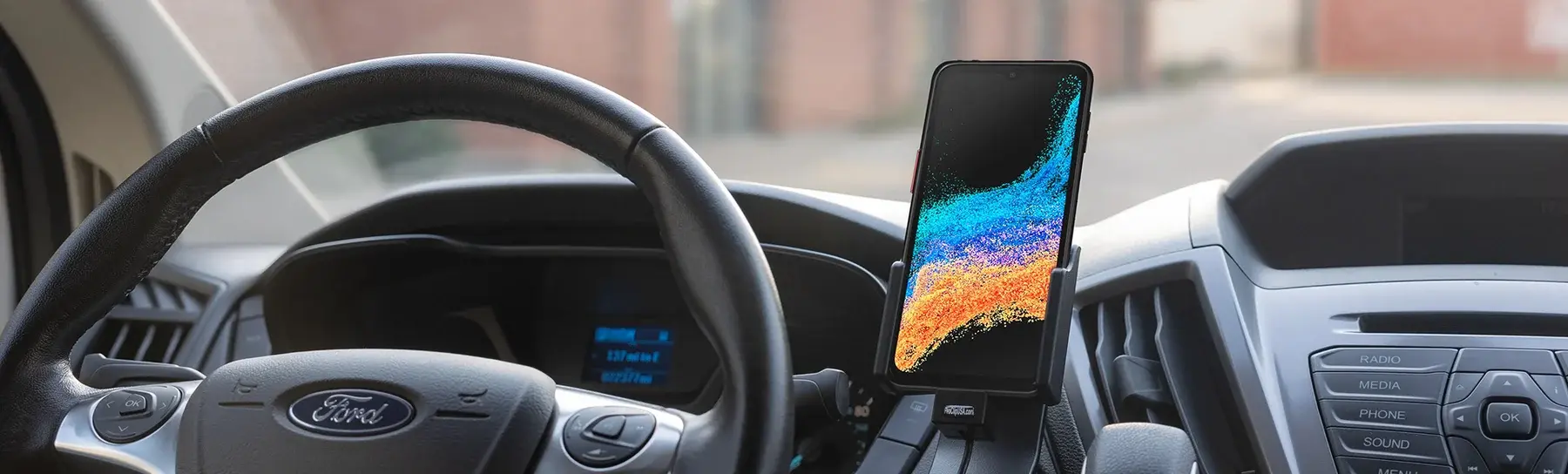
Invest in reliable in-vehicle charging (hardwired mounts, beyond USB connections), and monitor battery degeneration so devices may be replaced before they fail on the road.
-
Develop a Device Lifecycle and Replacement Plan
Set a refresh cycle (usually 2-4 years), track device age and condition, and plan for replacements ahead of time.
Year 0 DeployYear 1–2 Monitor & MaintainYear 2–3 Plan RefreshYear 3–4 Trade-in & ReplaceSell or trade your old devices to offset replacement costs – DeviceSolutions.ai handles the resale process.
It's also worth looking into device insurance or a carrier/manufacturer protection package. Even with cautious handling, damages and losses happen; insurance converts unsettling repair costs into a fixed, budgetable price.
-
Manage Data Plans and Connectivity
Choose data plans that correspond to actual demand, and keep an eye on overages. Our wireless cost audit evaluates your lines to reduce overages, recoup charges for idle capacity, and align data plans with route demands.
18–22% of business wireless lines may be inactive or underused, resulting in monthly charges that don't provide any kind of return.Just as important, have an a plan for connectivity dead zones, such as offline app capabilities, dual-SIM devices, or Wi-Fi hotspot backups, so drivers are never left stranded without a way to communicate.
-
Use Rugged or Protected Devices in the Field
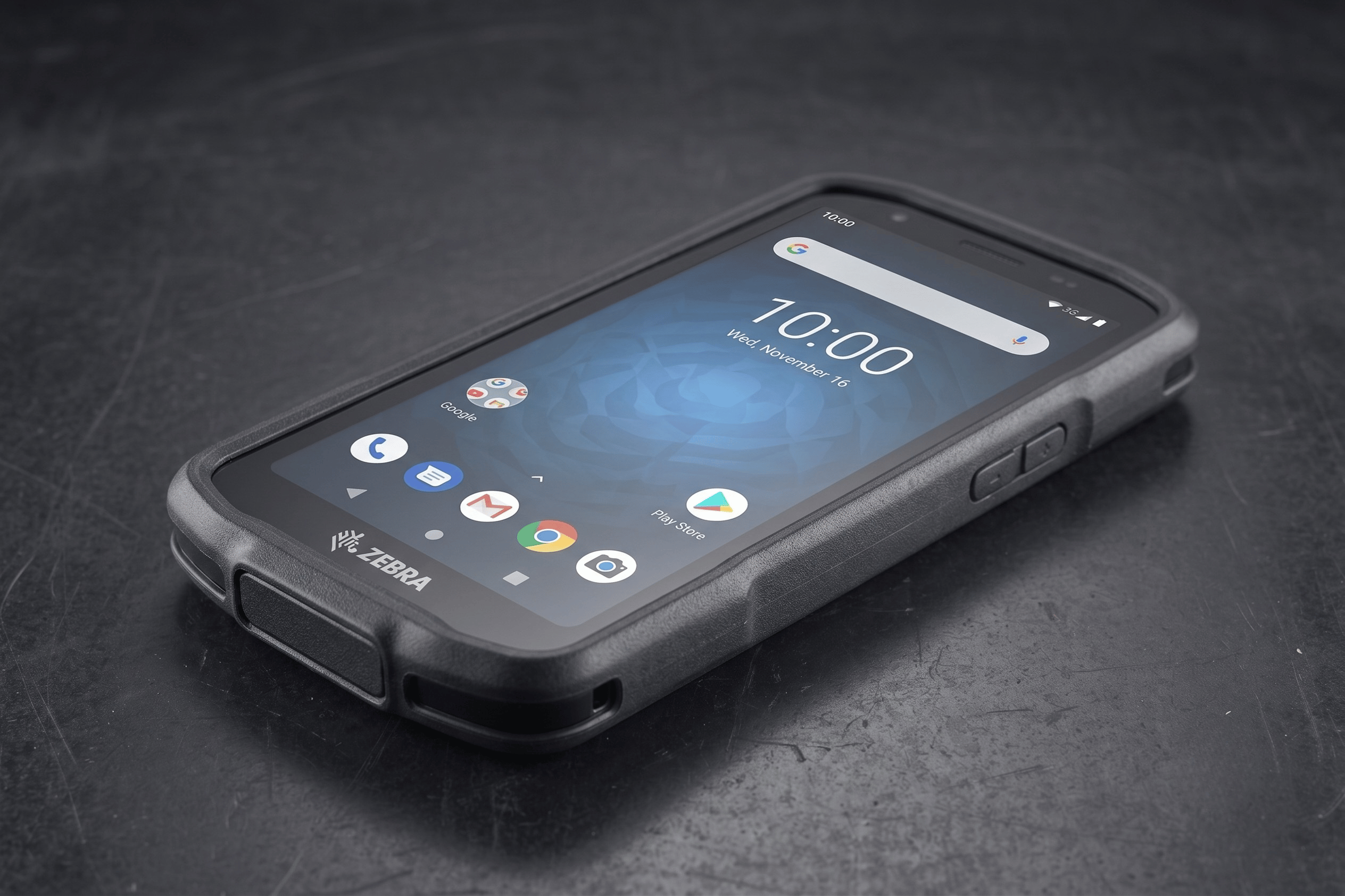
Standard consumer products are not resistant to drops, vibrations, severe temperatures, dust, or moisture. Invest in rugged devices or protective covers to reduce replacement expenses and to extend device life.
-
Back Up Your Data and Plan for Loss Prevention
Sync trip logs, driver data, and compliance records to the cloud on a regular basis to ensure that a lost or broken device doesn't result in data loss - crucial given the implications of ELD and HOS compliance.
Cloud backup services, which are mostly integrated directly with MDM platforms, automate this process by syncing trip logs, driver records, and HOS data on a scheduled basis. With the right configuration, a lost or switched device does not result in a data disaster, or a compliance violation. FMCSA requirements mandate ELD data retention for at least six months; cloud backups ensure that requirement is satisfied automatically, with no manual involvement from your staff.
Developing a Device Strategy That Scales With Your Fleet
Starting is simple: master the foundations — MDM, standardization, and security — then expand from there with practices tailored to your operating environment, such as sturdy hardware or a solid connectivity plan. Proactive planning ensures that a fleet and its devices work smoothly.
The benefits don't end at smoother operations. Devices that monitor driver behavior, such as speeding, hard braking, and harsh cornering, might also help you save money on your insurance. Commercial carriers are already offering telematics-based premium savings of 5-15% or more to fleets who share this data. A broker like Marsh works with various carriers on your behalf and is best positioned to determine which programs your current policy qualifies for.
None of this has to fall totally on your team. Setting up what's needed takes time, so partner with an a provider, like DeviceSolutions.ai to get a one-stop solution and ongoing assistance. This saves you time while keeping your drivers on the road.
Common Questions From Fleet Managers
What is the best MDM software for fleet management?
Esper is a great fit for fleets that use Android devices in the field. It enables remote device locking, app monitoring, and over-the-air updates without having physical access to each device. If you don't want to operate the platform yourself, DeviceSolutions's MDM managed service will handle setup, configuration, and ongoing maintenance for your fleet.
How frequently should fleet devices be replaced?
Most fleet operators replace devices every two to four years. The reasonable timetable is determined by the device type, usage conditions, and if the manufacturer continues to maintain the OS. Rugged electronics in challenging conditions may require earlier replacement if battery life or drop resistance has significantly reduced.
Which heavy-duty devices do fleet managers use?
The Zebra TC27 and TC78 are popular among delivery and logistics fleets because they are designed for high-volume scanning, barcode reading, and all-day battery life. Rugged Android phones, such as the Rhino T-80 or T-100, are popular among drivers who require cellular connectivity and durability but do not require full scanner capabilities.
How can I cut back on wireless costs for my fleet?
Begin by assessing your current lines for unused or underutilized capacity; most fleets pay for lines that see little to no traffic. Matching data plans to actual route usage and combining carriers where possible often results in significant savings on wireless spend. DeviceSolutions provides a free wireless cost audit for fleet operators.